

Test accessibility by asking someone to complete the website’s important tasks using different ways of navigating, not only by running an automated scan. Start with keyboard access, clear structure, meaningful images, understandable forms and readable mobile layouts. Fix barriers found in the actual path to information and contact.
This is a practical first pass, not a certification or legal compliance statement. The W3C easy checks are intentionally preliminary; a full evaluation needs broader methods and the agreed standard.
Try five checks on one important page
- Keyboard: use Tab, Shift+Tab and Enter to reach the menu, main action and form. Can you see where focus is? Can you leave every control without a mouse?
- Structure: read the heading outline. Does the page title identify the subject? Do section headings describe the content? W3C’s page-structure tutorial explains why meaningful structure supports navigation.
- Images: hide an informative image or imagine it did not load. Does its text alternative convey the relevant idea? Decorative images may need no description; W3C’s image tutorial distinguishes these cases.
- Forms: are labels, required fields, errors and success messages understandable? W3C’s forms tutorial covers these elements.
- Mobile text: enlarge text and narrow the screen. Can the visitor still read content and reach the next action without losing a control?
Keep a short note for each barrier: page, step, observed result, expected result and owner. An automated tool can help find some issues, but it cannot confirm that the words, order and task make sense to a person.
Make the test part of the project scope
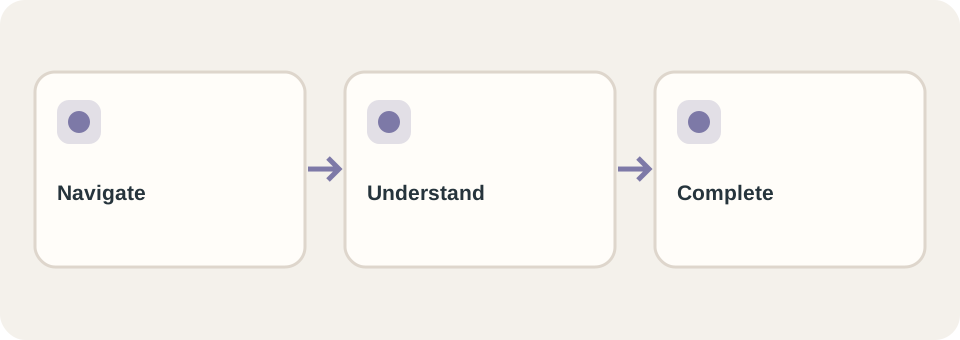
For a fictional service business, test this journey: open a service page, understand what is offered, choose a contact option, complete the form, and read its confirmation. If focus disappears inside a menu, the rest of the journey is not usable by keyboard. If the form reports “invalid input” without identifying a field, the user may not recover.
Add pages, devices, languages and tasks to the launch checklist. Agree on the target accessibility standard and who fixes discovered issues; do not rely on “accessible” as an unexplained marketing label. DT Software’s website service can include these concrete checks in the requested scope.