

Choose the content workflow first: who will change the website, what will change, and how often? A static site can suit pages updated through a developer or a simple publishing process. A content-management system (CMS) can help staff edit structured articles, services or products through an interface. Neither choice automatically makes the website faster, safer or better for search.
A “static website” describes how pages are delivered, not whether the design is plain or whether content can ever change. A CMS describes an editing system, not one fixed hosting model. Tools can combine both approaches. Ask suppliers to demonstrate the exact workflow proposed for your site rather than comparing labels alone.
Match the workflow to the work
| Content pattern | Question to ask | Possible starting point |
|---|---|---|
| Few pages, rare approved edits | Who can make and publish a change? | Static build with clear support or editor |
| Frequent articles by staff | Can editors draft, review and schedule? | CMS or structured editing layer |
| Many products and categories | How are entries imported, checked and exported? | Structured content system |
| Multiple languages | Who reviews each version and keeps links paired? | Workflow that handles localized pages |
These are starting points, not product recommendations. A developer-managed static site can still have a content editor; a CMS can output static pages. The WordPress documentation on the block editor illustrates one editing workflow, but it does not determine what another system will include.
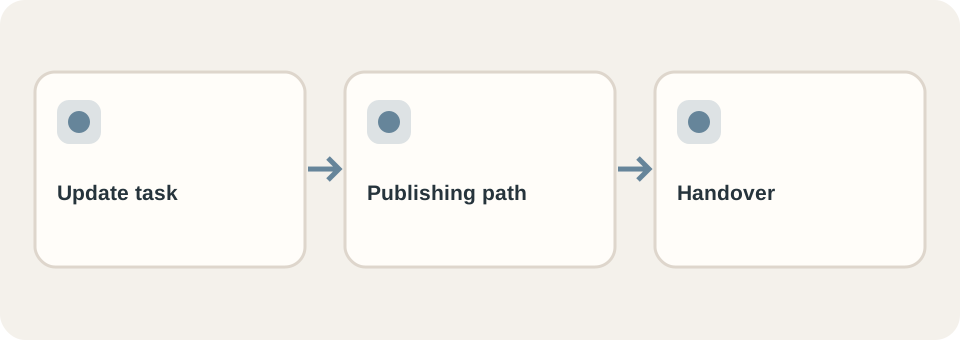
Run a handover test before deciding
Give the intended operator a representative task: update a service price, add an article, replace a product photo, or correct a translation. Observe the steps, preview, approval, publication and rollback. Count where a developer or paid tool is required. This is more informative than a demo with placeholder copy.
Also ask how content and media can be exported, who owns accounts and licences, and what happens if the supplier is unavailable. The website handover checklist turns those questions into deliverables. For a redesign, include migration of existing articles and URLs, not just the new homepage.
Judge the finished site, not the category
Test the actual built pages with real content and images on a phone. Verify important links, forms, accessibility and search access. Google’s SEO Starter Guide focuses on useful content and discoverable pages rather than a preferred CMS. Performance also depends on the implementation and assets, not the word “static.”
DT Software’s website service offers preset and custom scopes. Send the content update tasks and responsible staff in your website brief so the publishing system can be chosen for the way the business actually operates.