

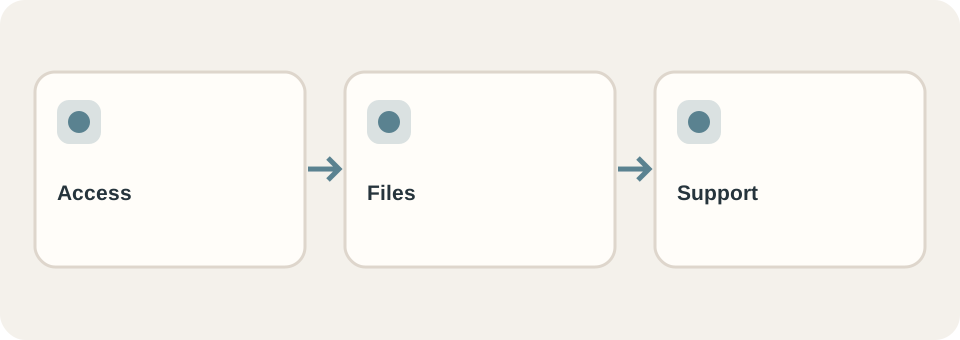
At handover, ask for enough access, files and instructions to run the website without guessing who controls it. The exact deliverables depend on the contract and technology, but the business should know who holds the domain, hosting, content, source code, third-party licences and support responsibility.
Do not request passwords in an ordinary document or email thread. Arrange secure account invitations, appropriate roles and a transfer process. The goal is not that every business owner edits code; it is that the agreed operator can make routine changes or clearly knows how to request them.
Ask for an ownership map
Make one row per system: domain registration, DNS, hosting, content editor, analytics, email delivery, forms, image library and paid plugins or services. Record the account owner, billing owner, renewal date if relevant, day-to-day operator, and recovery contact. Some accounts may belong to the supplier under a managed-service agreement; that can be reasonable if the arrangement and exit path are explicit.
| Item | What to verify |
|---|---|
| Domain and DNS | Who can renew and change records; where recovery goes |
| Hosting and deployment | Who can publish, roll back and see errors |
| Content and media | How to edit, export and reuse approved materials |
| Forms and enquiries | Where messages arrive and who responds |
| Third-party tools | Licences, subscription owner and replacement options |
This is a checklist, not a claim that DT Software transfers every listed system in every package. Compare it with the signed scope. DT Software’s website options describe different preset and custom deliverables; confirm any item not explicitly included before work begins.
Perform one small operation together
Ask the intended operator to edit a service description, replace a photograph or publish a short update while the provider watches. Check how the change looks on mobile and whether it affects the other language. If the site is static and updates require a developer, document the request path, expected response arrangement and what files are retained. A content editor is useful only if the right person can use it safely.
Keep the current site files or export, a deployment or restore procedure, a list of unresolved issues and the approved design/content assets in a place the business controls. For a redesign, retain the old-to-new URL map so later changes do not undo the migration.
Define support after launch
Write down what counts as a defect, what counts as a new request, which updates are included, who monitors expiry and security updates, and how a problem is reported. Do not assume maintenance or search performance is included because the website is live. A one-page acceptance record can list completed checks and open items with owners and dates; use the launch checklist to test the public version.
A handover is complete when the agreed people can access the agreed systems and perform or request the necessary operations. Keep that evidence with the project, not solely in the provider’s inbox.