

A website content inventory is a list of what each planned page needs, what already exists, what must be changed, and who can approve it. Make it before promising a launch date or comparing website quotes. A design can be ready while the service descriptions, product photos, translations and usage rights are still unresolved.
This is a working list, not a demand to finish all copy before speaking to a developer. It shows which decisions can be made now and which need research, writing or photography. The website brief checklist captures overall scope; this guide goes deeper into the material that fills each page.
Start with page purpose, then list assets
For every page type, write who it serves, the question it answers, and the next action. Only then list headings, body copy, images, documents, buttons and translations. A services overview and an individual service page may need different evidence. A product catalogue may also need categories, specifications and update responsibilities.
| Page or asset | Current state | Owner | Decision before launch |
|---|---|---|---|
| Service overview | Draft text | Service lead | Approve claims and main action |
| Three service pages | One ready; two missing | Business owner | Supply distinctions and examples |
| Project photographs | Files exist | Photographer/owner | Confirm usage rights and captions |
| Vietnamese version | Not started | Language reviewer | Decide which pages need it |
This is a fictional example, not a DT Software client record. Use real file locations and review dates in your own version; do not place credentials or raw customer data in the sheet.
Review quality, not just presence
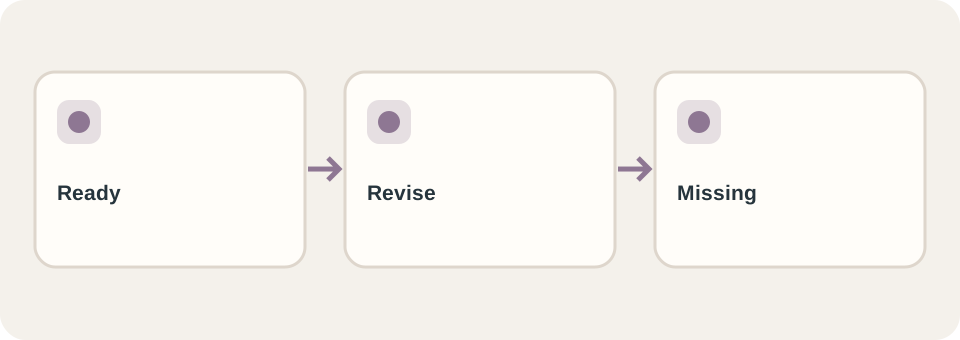
Mark text “ready” only when it accurately describes the current offer and has a reviewer. A product photo is not ready if it depicts an old model, lacks permission, or cannot be identified. For images that convey information, W3C’s image tutorial explains how alternative text depends on the image’s purpose; a filename alone is not useful alt text.
Keep the visitor’s question visible during editing. Google’s guidance on helpful content asks creators to serve people and demonstrate useful substance, not merely fill pages with keywords. A short accurate service page can be more useful than a long generic one, but it still needs enough detail for the reader’s decision.
Turn missing content into an explicit schedule
Separate content needed for the first release from items that can be added later. Give every missing item one owner and a review date. Decide who uploads it and checks the published result. For a redesign, record which old page supplies the material and whether its public URL must remain; the redesign URL guide covers that migration decision.
When requesting a quote, send the inventory status rather than saying “copy and images are ready” if only filenames exist. DT Software’s website service can then distinguish design/development work from content preparation and later maintenance in the agreed scope.