

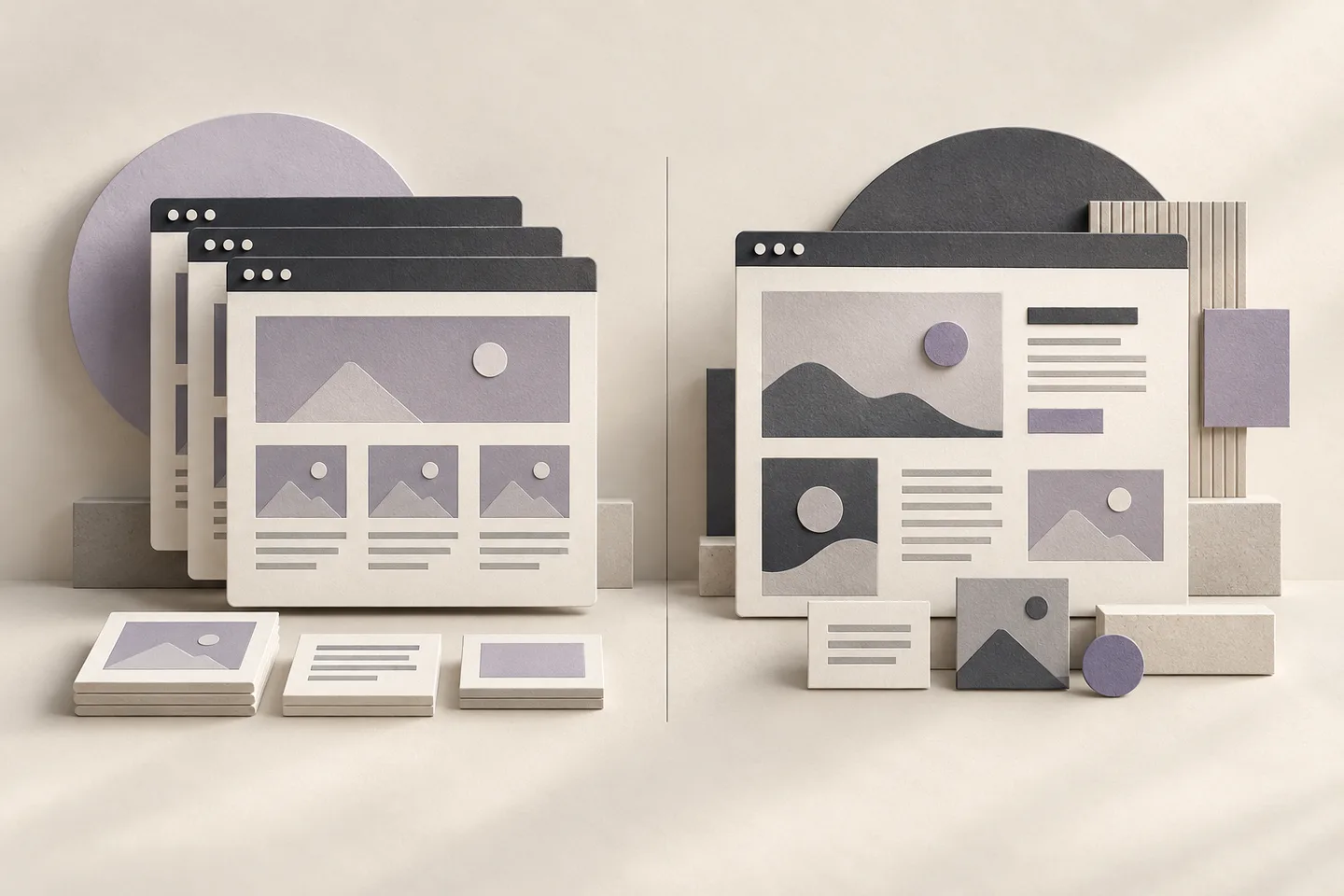
Start with a template when its layout fits your real content and the main action you want visitors to take. Consider custom design when your content, customer journey, or brand needs substantial changes to that starting point. Before choosing either, establish who will update the site, which functions it needs, and what it will cost to operate after handover.
A small business can need a custom design. A larger company can use a template for a focused event page. The useful distinction is the work the website must do, rather than company size or how impressive a screenshot looks.
Separate three decisions before choosing a design
When a supplier offers a “template website” or a “custom website”, ask what that means in three areas:
| Decision | Question to answer | Example |
|---|---|---|
| Visual design | Will the layout follow an existing design or be developed around your content? | Adapt an existing structure and colours, or design a specific way to compare services |
| Content editing | Who will change articles, prices, and products, and how? | Staff use an editor, or send changes to a technical contact |
| Functionality | Will visitors read and contact you, or complete a transaction or workflow? | Click to call, submit an enquiry, book an appointment, or manage an account |
A custom visual design does not mean every function must be built from scratch. Equally, a polished template does not automatically include booking software, order management, or a publishing system.
WordPress illustrates this distinction: its documentation explains the roles of themes and plugins. Ask which capabilities are included in the proposed build and which require additional software, subscriptions, or development.
A decision table for common business needs
| What you need today | A sensible starting point | What to check before agreeing |
|---|---|---|
| Explain one service, show selected work, and receive calls | A template that fits your actual content | Mobile layout, important information, and contact actions |
| Launch a campaign with one clear goal | A template landing page or a modestly customised design | Copy, forms, enquiry delivery, and measurement responsibilities |
| Explain several services to different audiences | Plan the page structure first, then assess design options | Whether each audience can find the right information |
| Let staff publish articles and change prices regularly | Choose the editing workflow before the visual design | Whether the person responsible can complete a sample update |
| Support accounts, permissions, bookings, or integrations | Define the functional requirements first | What an existing platform can handle and what needs additional development |
| Present a distinctive story or brand experience | A custom design with a reviewable prototype | Whether the differences improve understanding and usability |
These are starting points for discussion. A flexible template can support substantial needs, while a custom design can still be restrictive if the scope and handover are poorly defined.
When a template is a good fit
Try fitting your real content into the proposed template: service names, descriptions, photographs, common customer questions, and contact details. If that material fits without cutting essential explanations or adding numerous new sections, the template is a useful starting point.
For example, a small studio might need a service introduction, three groups of projects, and a clear way to request an appointment. A template with those elements could work well. The remaining work is to adapt the content and branding and check that visitors can use it comfortably.
Reconsider when the change list starts to include replacing all navigation, adding several page types, rebuilding filters, introducing accounts, or changing the ordering process. Ask for two comparable estimates: adapting the template and designing around the agreed requirements. The template’s initial price does not describe all that additional work.
You can use DT Software’s landing page collection to compare layouts against your planned content. The brands and content in those demos are illustrative, not claims about completed client projects.
When custom design earns its place
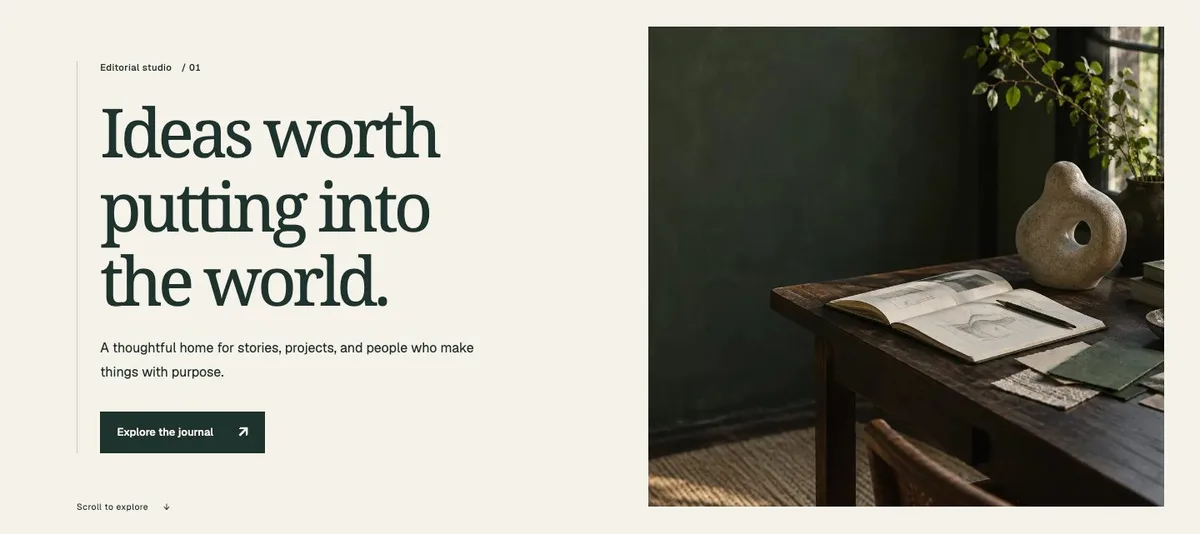
Custom design is worth considering when you can name a specific problem that the existing layout does not solve:
- Customers need to compare several options, but the template offers only a general introduction.
- Your project stories need a particular sequence of images, documents, and explanations.
- Different users need distinct journeys or a business-specific workflow.
- An existing site has substantial content and public URLs that must be preserved during a redesign.
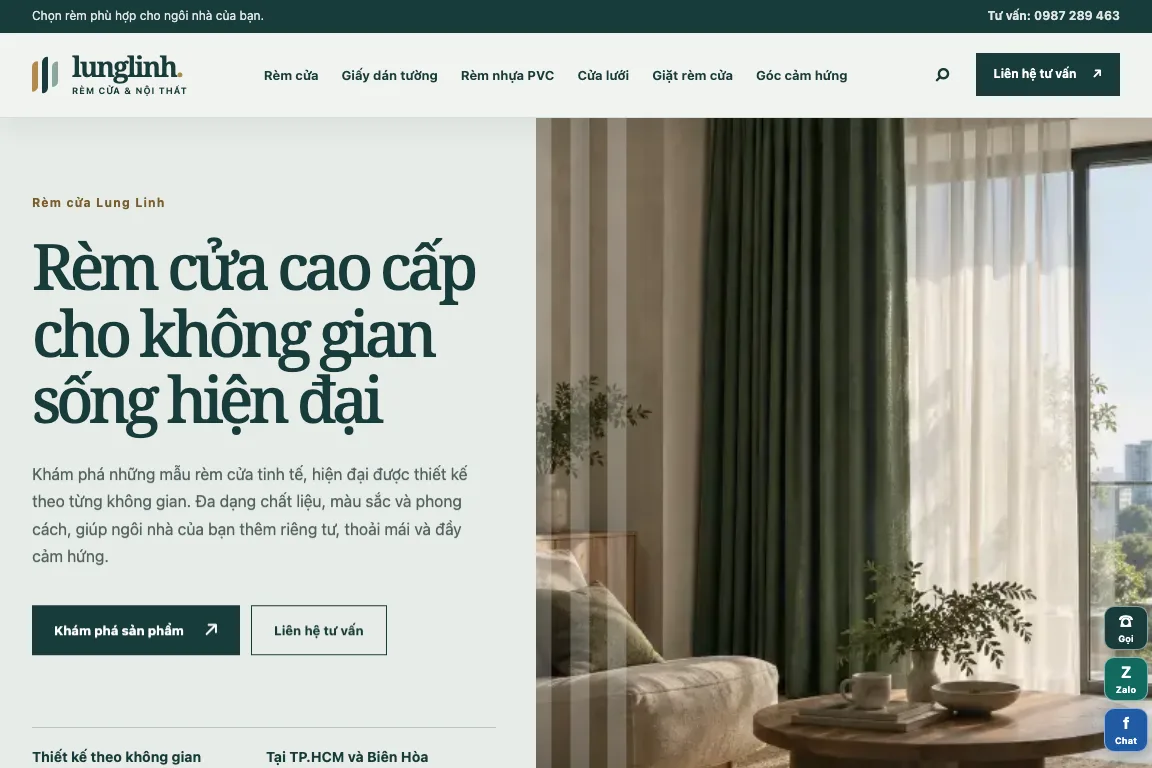
For example, the Lung Linh website project describes migrating a product catalogue, organising its categories, and retaining public URLs. Those requirements involve content structure and migration planning as well as the visible design.
Ask the supplier to identify what will be custom, which problem each change addresses, who will approve it, and how the result will be accepted. If a proposal promises an “exclusive” design, clarify the actual deliverables and usage rights.
Compare quotes against the same requirements
Two prices are only comparable when they cover the same work. Use this checklist with each supplier:
| Item | What the quote should specify |
|---|---|
| Pages and content | Page list, sections, initial products or articles, and responsibility for writing and translation |
| Design | What stays from the template, what changes, and how feedback rounds work |
| Enquiries and transactions | Contact links versus working forms, where submissions go, and any booking or payment functions |
| Editing | Who can update content, what access they receive, and whether practical training is included |
| Ownership and access | Control of the domain, hosting, source code, and administrator accounts, including relevant licence limits |
| Operations | Renewals, maintenance, backups, support, and pricing for later changes |
| Acceptance | Pages, devices, and user journeys to check, plus responsibility for unresolved faults |
Separate initial costs from recurring costs. Account for design, content preparation, and extra functions alongside the domain, hosting, licences, and maintenance you actually need. An unspecified cost should be marked as excluded or awaiting confirmation, not assumed to be zero.
As checked on 27 September 2026, DT Software’s service page lists template landing pages from US$100 and custom landing-page design from US$200. The template package covers one static page with up to five agreed sections, customer-supplied content and imagery, source code, handover notes, and one in-scope revision. Copywriting, backend forms, domains, hosting, WordPress, and long-term maintenance are separate. These are starting prices for DT Software’s defined scope, not market averages or prices for every kind of website.
Worked example: one shop, two different scopes
This is a fictional planning example, not a client project or quotation. A furniture shop wants to show its products and receive enquiries.
| Scope | Option A: introduce the shop and invite contact | Option B: support a catalogue enquiry workflow |
|---|---|---|
| Content | One introduction page, selected product groups, images, and contact details | Multiple categories, product pages, supporting documents, and specific FAQs |
| Customer actions | Read, then call or send a message | Filter products, select several items, and submit a combined enquiry |
| Staff updates | Occasional changes handled with support | Frequent product updates made by staff |
| Starting point | Test a suitable template with real content | Define catalogue structure, editing tools, and the enquiry journey first |
Both could be sold as a “furniture website”, but their workloads differ. For Option B, assess an existing platform before deciding which parts need custom development. The visual design alone does not answer that question.
If Option A meets the shop’s current needs, starting small can be reasonable. Before assuming it will expand easily, establish where the content and data will live, how they can be exported, and which parts might need rebuilding.
Which option is better for SEO and speed?
“Template” and “custom” are not enough information to judge SEO quality. Inspect the actual site with your content: are page titles clear, answers useful, links easy to follow, and pages accessible to search engines? Google’s SEO Starter Guide explains these foundations and makes no promise of a first-place ranking.
For usability, view the intended content and images on a phone and try the main contact and navigation actions. Core Web Vitals measure aspects of loading, interaction responsiveness, and layout stability. A test of a demo does not establish how the finished site will perform after all its resources are added.
Agree on observable acceptance checks instead of relying on a broad promise that a design is “SEO-ready”.
Five questions to settle the decision
- What should visitors do? Name the main action and the information they need before taking it.
- Is the content ready? List missing photographs, descriptions, prices, and business details, with an owner for each.
- How much of the template fits? Mark what stays, what changes, and what must be added.
- Who will run the site? Test a content update and clarify account access and recurring costs.
- What happens when requirements grow? Confirm options for adding pages, exporting data, and changing suppliers, including the limits.
With those answers, you can give suppliers the same brief and compare meaningful proposals. To discuss the options with DT Software, share your business type, planned content, a design you like, and the actions your site needs to support through the website development page. That provides a practical basis for choosing a template, adapting it, or defining a custom build.